Fire evacuation management for modern workplaces

Fire evacuation management for modern workplaces

Fire evacuation management for modern workplaces

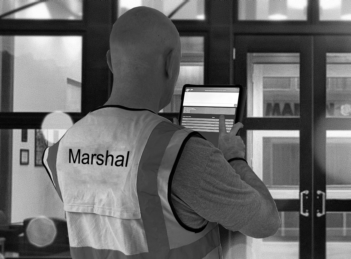
Marshal Eye transforms fire evacuation management by allowing trained staff who are actually on site to claim critical roles and tasks in real time.

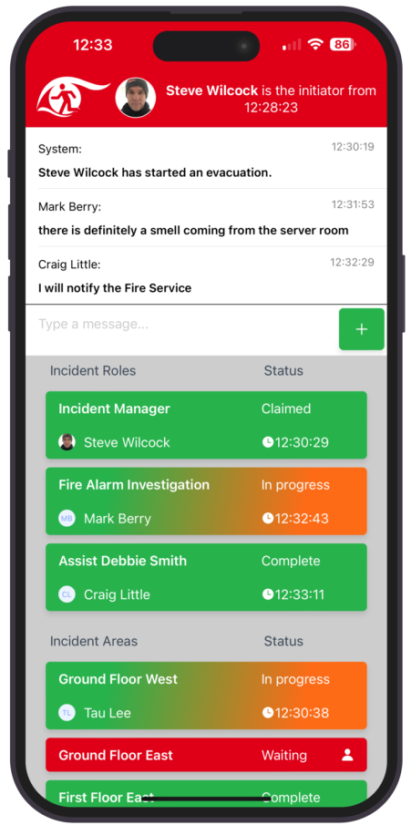
Whether responding to a fire alarm or another critical event, everyone can see who is taking responsibility, what actions are being completed and what still needs attention.

Live communication, time-stamped actions and a clear incident record help organisations coordinate their response, improve accountability and reduce the risk of important tasks being missed.


Marshal Eye — Intelligent Evacuation App
Live communications

Live incident communications

During a fire alarm or other critical event, lack of information can quickly create uncertainty.

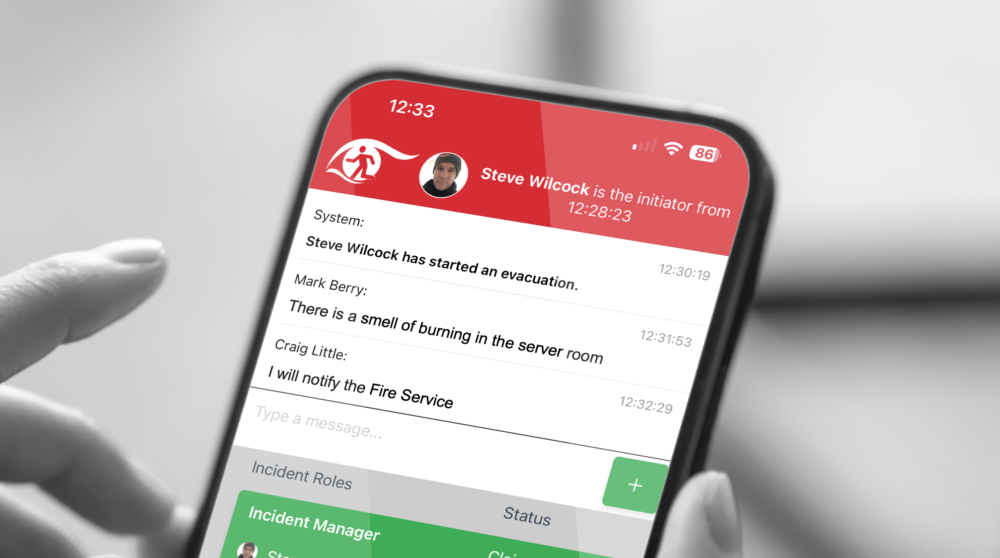
Marshal Eye gives fire marshals and incident teams live information as the situation develops, helping them understand what is happening, coordinate their response and make informed decisions.

Teams can communicate instantly through the app, allowing an incident to be escalated or de-escalated as new information becomes available.
Confirmation Bias

Confirmation bias can influence how people react to a fire alarm. If previous activations have turned out to be false alarms or tests, people may delay acting while they look for reassurance or further information.

That hesitation can cost valuable time.

Marshal Eye helps reduce uncertainty by giving fire marshals and incident teams live information about what is happening, so they can make quicker, more confident decisions and communicate a clear response to others.

A much needed innovation, fire response in buildings has not changed in decades but the world has, a great means to ensure you are resilient.

C Little Fire Safety Enforcement Officer

App in users hands

Post-incident performance report

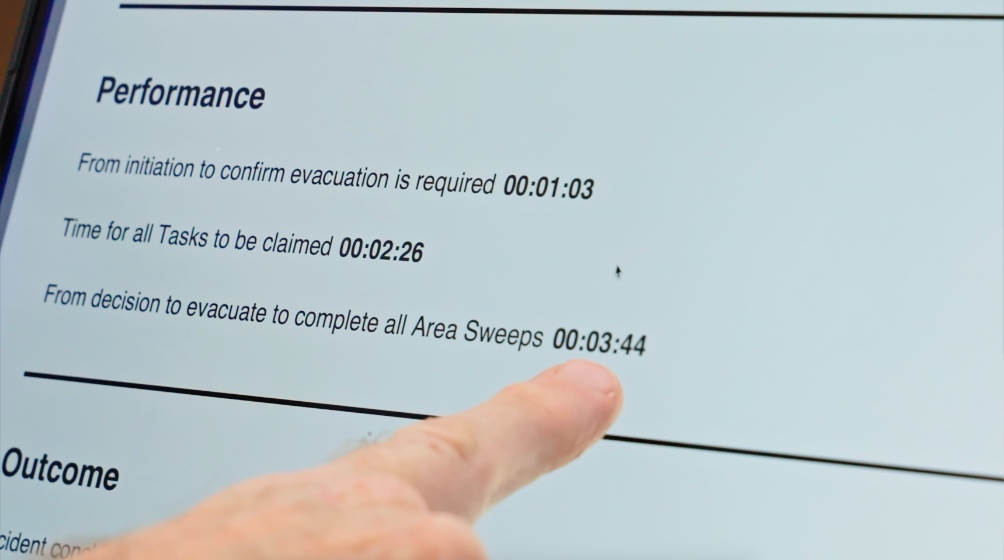
Marshal Eye automatically creates a PDF performance report when an incident ends and sends it to the nominated recipients chosen by the administrator.

It records who claimed each role or task, how long key actions took, when the building was cleared and the full incident message history.

This provides a clear audit trail for review, investigation and improvement.

Incident manager

Observer Screen

The Observer Screen allows people who are not carrying out a specific evacuation role to stay informed throughout an incident.

Observers can see which roles and tasks have been claimed, follow progress in real time and view key updates as the situation develops.

They can also take part in the live chat, helping managers and other authorised users maintain situational awareness without needing to claim an operational role.

price tag icon
How we got here
Our Story
phone icon
Sign up as a single user for free
Sign up